All code samples shown on this page are in Python.
Try Hugging Face Hub with Weave in Google Colab
Do you want to experiment with Hugging Face Hub and Weave without any of the setup? You can try the code samples shown here as a Jupyter Notebook on Google Colab.
Overview
Hugging Face Hub is a machine learning platform for creators and collaborators, offering a large collection of pre-trained models and datasets for many types of projects. Thehuggingface_hub Python library provides a unified interface to run inference across multiple services for models hosted on the Hub. You can invoke these models using the InferenceClient.
Weave automatically captures traces for InferenceClient. To start tracking, call weave.init() and use the library as usual.
Prerequisites
Before you start, complete the following setup steps to install the required libraries and configure access to the Hugging Face Hub:-
Before you can use
huggingface_hubwith Weave, you must install the necessary libraries, or upgrade to the latest versions. The following command installs or upgradeshuggingface_hubandweaveto the latest version if they’re already installed, and reduces installation output. -
To use inference with a model on the Hugging Face Hub, set your User Access Token. You can either set the token from your Hugging Face Hub Settings page or programmatically. The following code sample prompts you to enter your
HUGGINGFACE_TOKENand sets the token as an environment variable.
Basic tracing
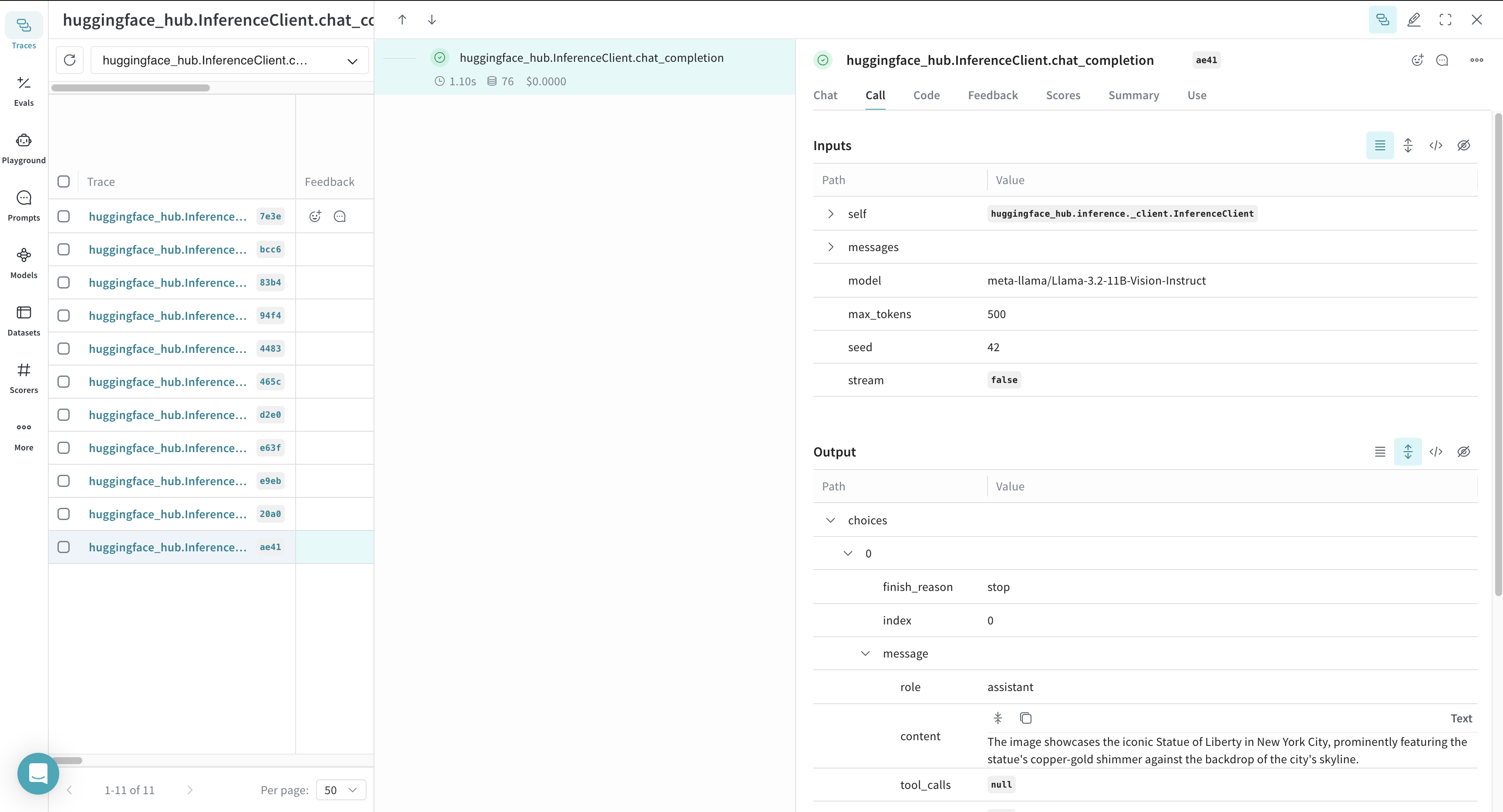
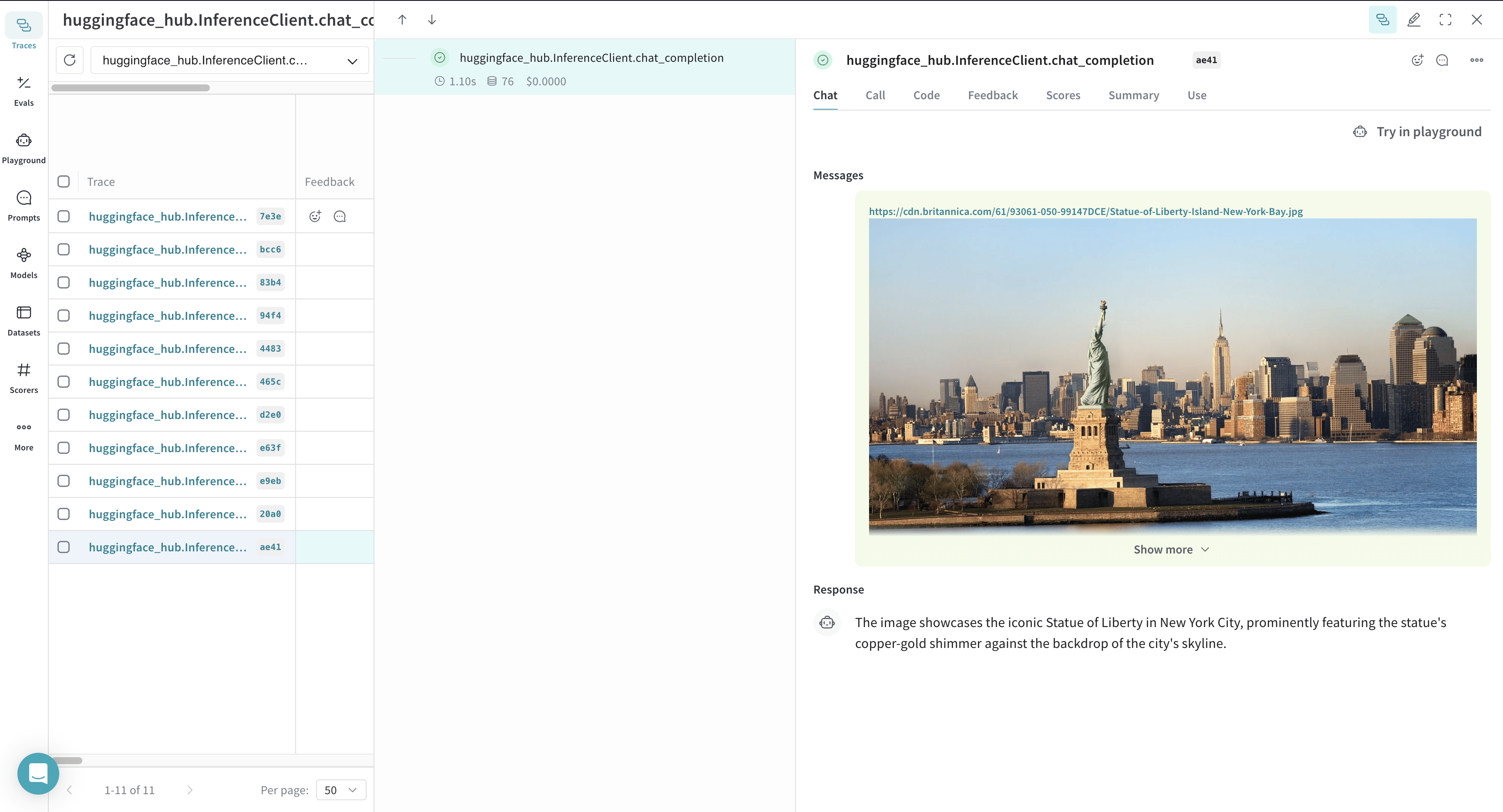
Storing traces of language model applications in a central location is essential during development and production. These traces help with debugging and serve as datasets for improving your application. Weave automatically captures traces for theInferenceClient. To start tracking, initialize Weave by calling weave.init(), then use the library as usual.
The following example demonstrates how to log inference calls to the Hugging Face Hub using Weave:
Trace a function
To gain deeper insights into how data flows through your application, you can use@weave.op to track function calls. This captures inputs, outputs, and execution logic, helping with debugging and performance analysis.
By nesting multiple ops, you can build a structured tree of tracked functions. Weave also automatically versions your code, preserving intermediate states as you experiment, even before you commit changes to Git.
To start tracking, decorate the functions that you want to track with @weave.op.
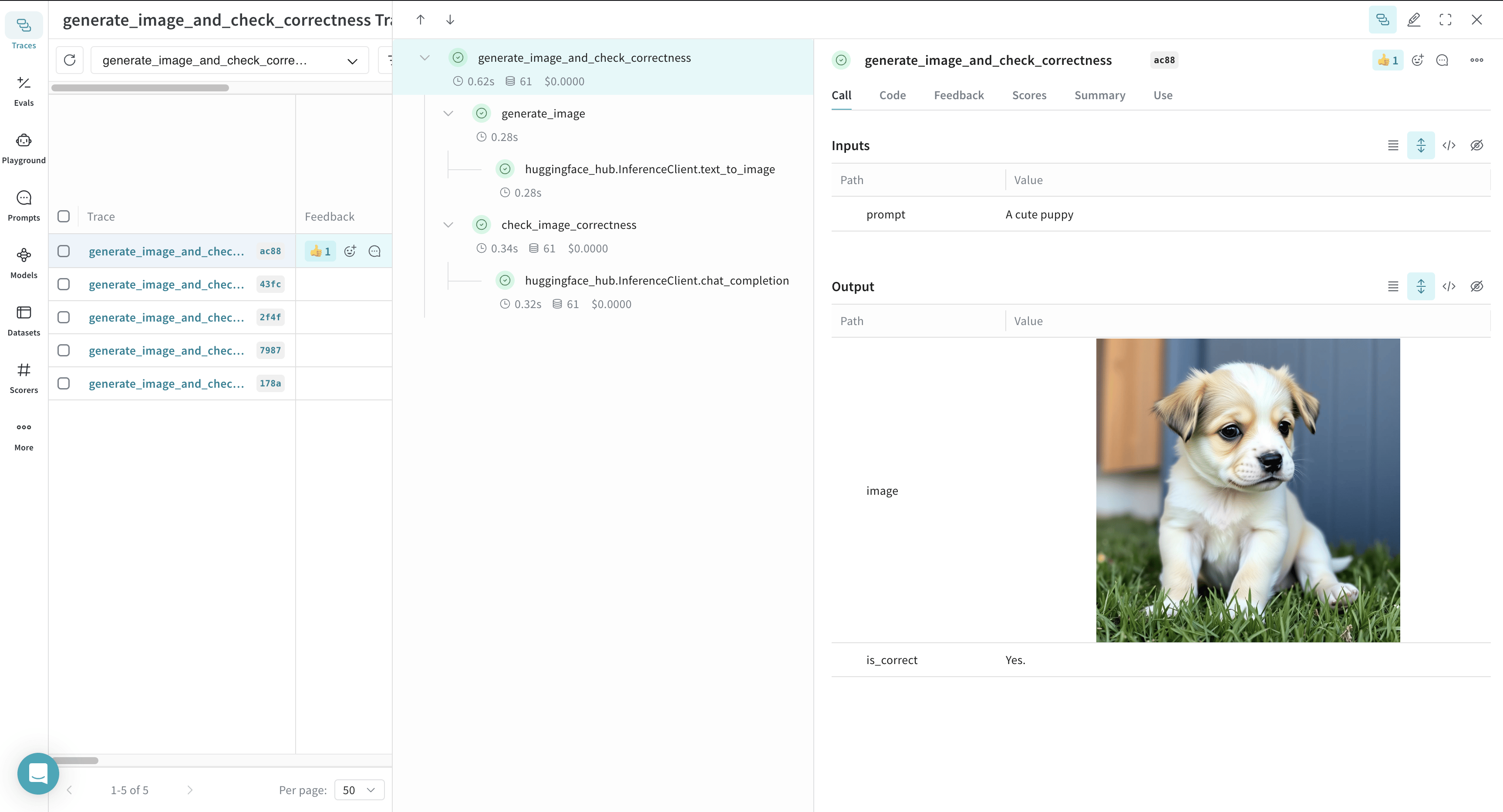
In the following example, Weave tracks three functions: generate_image, check_image_correctness, and generate_image_and_check_correctness. These functions generate an image and validate whether it matches a given prompt.
@weave.op, letting you analyze execution details in the Weave UI.
Use Models for experimentation
Managing LLM experiments can be challenging when multiple components are involved. The Weave Model class helps capture and organize experimental details, such as system prompts and model configurations, letting you compare different iterations.
In addition to versioning code and capturing inputs and outputs, a Model stores structured parameters that control application behavior. This helps you track which configurations produced the best results. You can also integrate a Weave Model with Weave Serve and Evaluations for further insights.
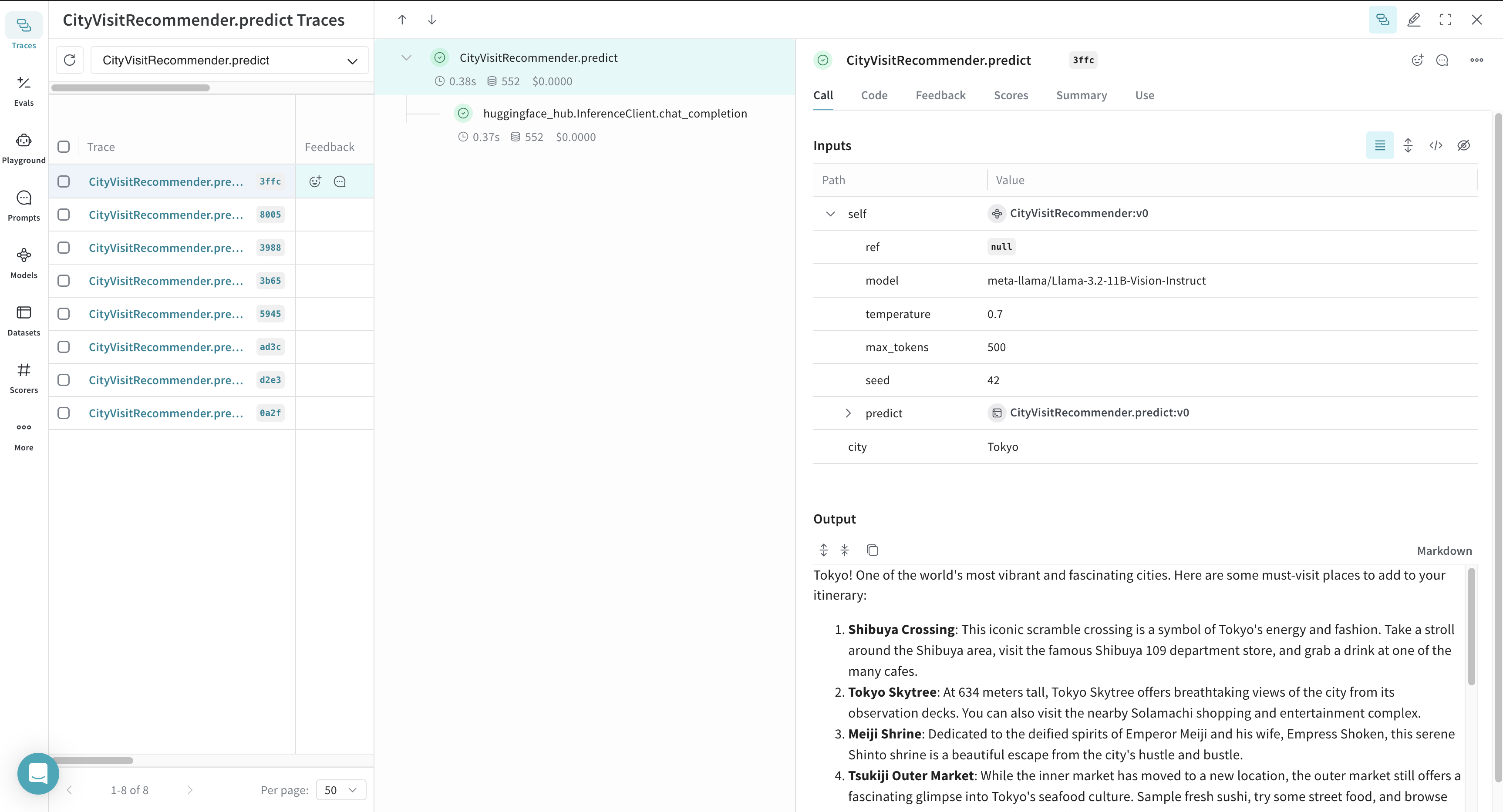
The following example defines a CityVisitRecommender model for travel recommendations. Each modification to its parameters generates a new version, supporting iterative experimentation.