Sign up and create an API key
An API key authenticates your machine to W&B. You can generate an API key from your user profile.For a more streamlined approach, go to User Settings and create an API key. Copy the API key immediately and save it in a secure location such as a password manager.
- Click your user profile icon in the upper right corner.
- Select User Settings, then scroll to the API Keys section.
Install the wandb library and log in
To install the wandb library locally and log in:
- Command line
- Python
- Python notebook
-
Set the
WANDB_API_KEYenvironment variable to your API key. Replace values enclosed in<>with your own: -
Install the
wandblibrary and log in.
Log metrics
With thewandb library installed and your machine authenticated, you can enable W&B logging from the YOLOX training script.
Use the --logger wandb command-line argument to turn on logging with wandb. Optionally, you can also pass all of the arguments that wandb.init() expects. Prepend each argument with wandb-.
num_eval_imges controls the number of validation set images and predictions that W&B logs to tables for model evaluation.
Replace the following placeholders before you run the command:
<project-name>: The name of your W&B project.<entity>: Your W&B entity (username or team name).<run-name>: A name for this training run.<run-id>: A unique identifier for this run.<save-dir>: The directory where YOLOX saves checkpoints and logs.<num-images>: The number of validation images to log.<bool>: Whether to log checkpoints (trueorfalse).
Example
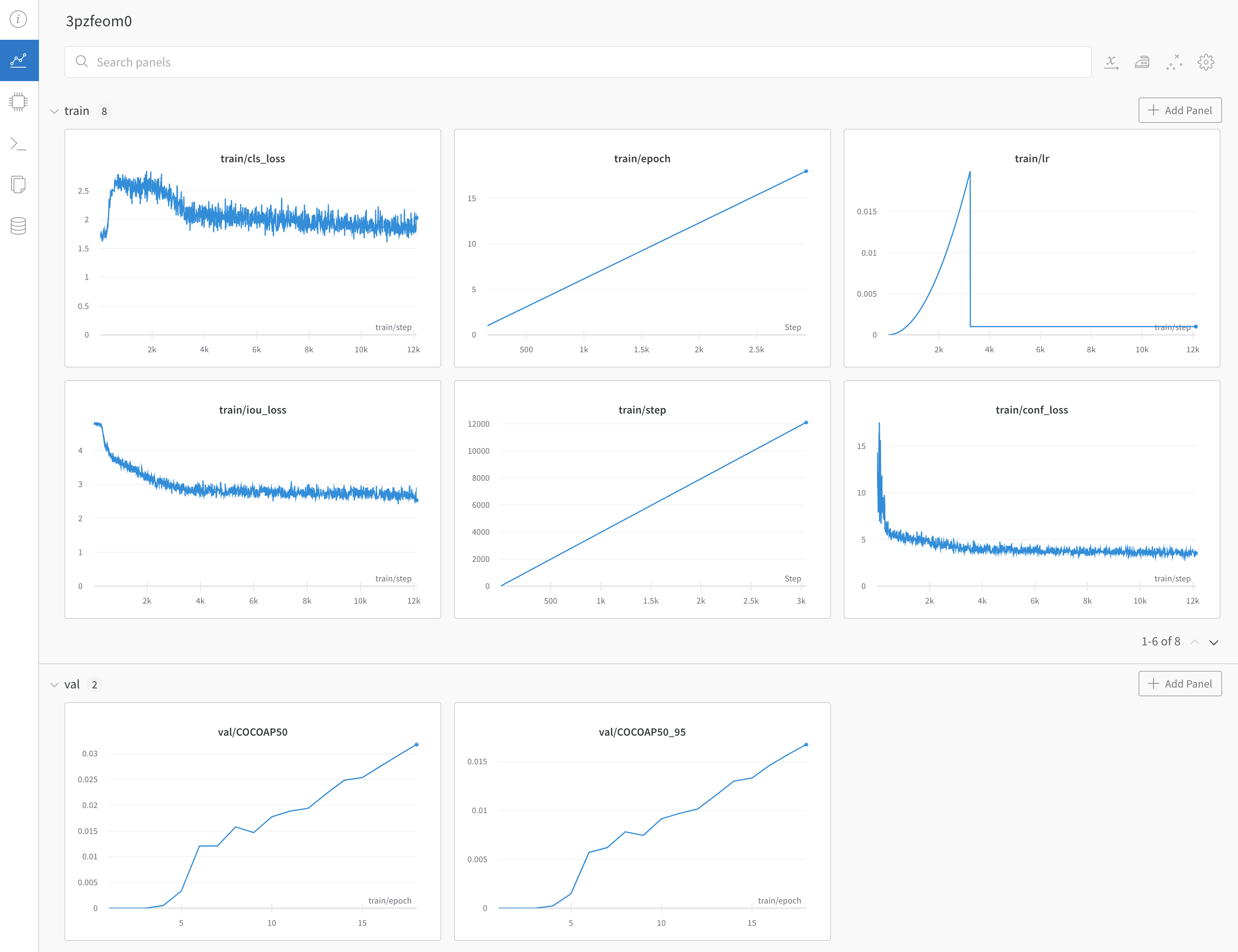
After your training run starts, YOLOX streams training, validation, and system metrics to your W&B project, where you can compare runs and inspect predictions. See the following example for what a populated dashboard looks like. See the example dashboard with YOLOX training and validation metrics.